



How a Business Can Use Workflow Automation to Reduce Repetitive Work
See how businesses can automate routine tasks, connect everyday tools, and reduce the manual work that slows teams down.

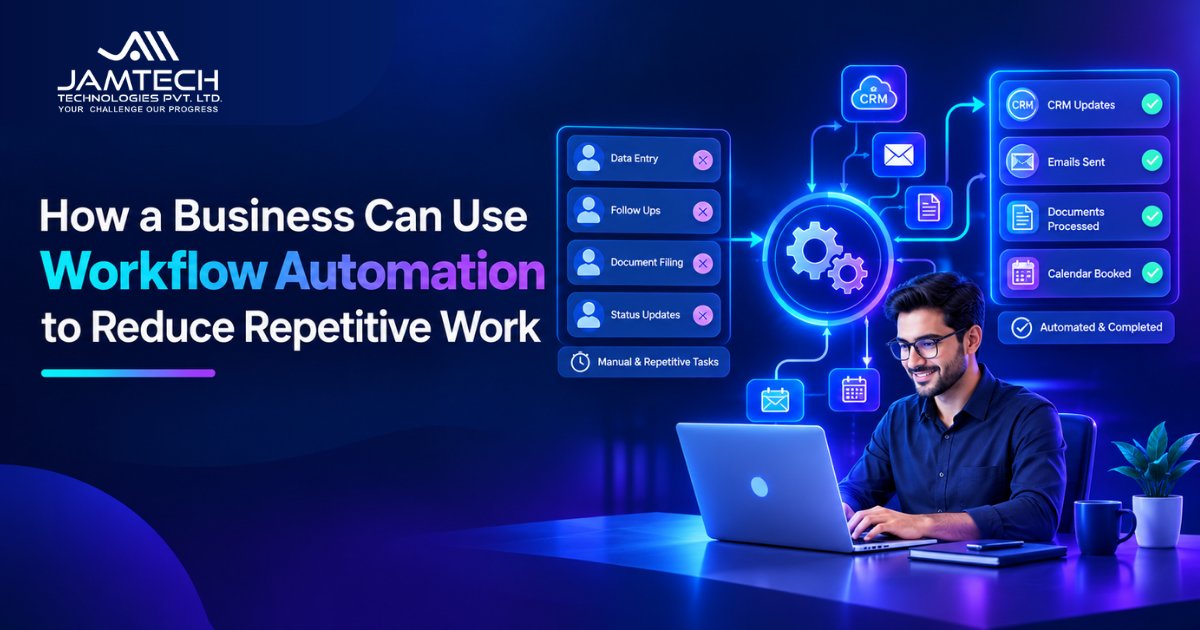
A lot of business work happens between the tasks people actually think of as their jobs.
A sales employee may spend part of the day moving new enquiries into a CRM. Someone in finance may check an invoice, send it for approval, update a spreadsheet, and notify another person. A support team may sort incoming requests before anyone even starts solving them.
None of these tasks is particularly difficult. The problem is that they happen again and again.
Workflow automation gives businesses a way to handle these repeated steps automatically. Instead of asking an employee to move information from one system to another every time something happens, a workflow can trigger the next action based on predefined rules.
Where repetitive work usually appears?
The best opportunities are often found in processes that happen frequently and follow a predictable pattern.
Sales and lead management
Consider what happens after someone fills out a contact form.
Without automation, a team member may need to check the form, enter the information into the CRM, assign the lead to a salesperson, and send a notification.
A workflow can connect these steps.
When a new enquiry arrives, it can create or update the CRM record, assign the lead according to predefined rules, and notify the appropriate salesperson.
The sales team can then spend its time following up instead of entering the same information into multiple systems.
Customer support
Support teams often receive similar requests through different channels.
A workflow can classify incoming requests, send straightforward enquiries to the appropriate queue, and notify a team member when a request needs personal attention.
For example, a request about billing can go to the finance support queue while a technical issue is routed to the technical team.
The goal isn't to automate the entire support process. It is to remove the sorting and routing work that happens before a person can deal with the actual problem.
Invoices and approvals
Finance processes are another common source of repetitive work.
An invoice might arrive by email, need information checked, be sent to the right person for approval, and then be recorded in an accounting system.
A workflow can move the information through these steps automatically. If an approval is still pending, the system can send a reminder instead of relying on someone to remember it.
This type of automation is particularly useful when several people or systems are involved in the same process.
Connecting the tools a business already uses
Workflow automation becomes more useful when business applications can exchange information.
A form submission could create a CRM record. A completed sale could trigger an invoice. A new employee record could start an onboarding checklist. A support ticket could create a task for the right department.
The employee doesn't have to manually copy the same information across each system.
That is often where the practical value of automation comes from. The individual tasks may only take a few minutes, but repeating them across hundreds of transactions creates a steady workload.
What should a business automate first?
Starting with the biggest process isn't always the best approach.
A better starting point is usually a task that:
happens regularly
follows a clear set of rules
requires little judgment
involves repeated data entry or handoffs
can be measured before and after automation
For example, if employees spend several hours each week assigning leads manually, that workflow may be easier to automate than a process involving frequent exceptions and complicated decisions.
Recent workflow automation examples commonly focus on areas such as lead assignment, CRM updates, ticket routing, invoice approvals, employee onboarding, and inventory alerts.
Automation should still leave room for people
Not every step needs to disappear.
Some tasks require context that a predefined workflow cannot handle. A customer may have an unusual request. An invoice may contain information that needs checking. A sales lead may need a conversation before the next action is decided.
A good workflow can stop at that point and send the case to a person.
This makes automation more practical. The system handles the predictable part, while employees deal with the situations where judgment matters.
How to get started with workflow automation?
Start by looking at what your team does repeatedly during a normal week.
Pick one process and write down what happens from beginning to end. Identify where information is entered, copied, checked, approved, or passed to another person.
Then ask a simple question: Does someone really need to do this step every time?
If the answer is no, that step may be a good candidate for automation.
Once the workflow is running, track something useful, such as processing time, manual steps, missed follow-ups, or the number of tasks completed without intervention.
That gives the business a clearer picture of whether the automation is actually helping.
FAQ
Q1: What is workflow automation?
Workflow automation uses software to carry out repeated business processes based on triggers, rules, and actions. It can move information between systems and start the next step without requiring someone to do it manually.
Q2: What business tasks can be automated?
Common examples include lead assignment, CRM updates, customer support routing, invoice approvals, notifications, employee onboarding, and recurring follow-ups.
Q3: Does workflow automation replace employees?
No. It can reduce the amount of repetitive work employees handle, while people continue to manage decisions, exceptions, and tasks that require judgment.
Q4: How do I know what to automate first?
Look for a process that happens often, follows predictable rules, and takes time without requiring much decision-making. Start with one workflow and measure the result.
Q5: Can workflow automation connect different business tools?
Yes. A workflow can connect applications so information can move from one system to another and trigger the next action automatically, depending on the tools and integrations available.
Ready to grow your business with Jamtech?
Talk to our experts about your next digital project.