



What Are AI Agents and How Do They Work?
A plain English guide to AI agents, how they work, where they fit in a business, and what they cost to build and run in 2027.

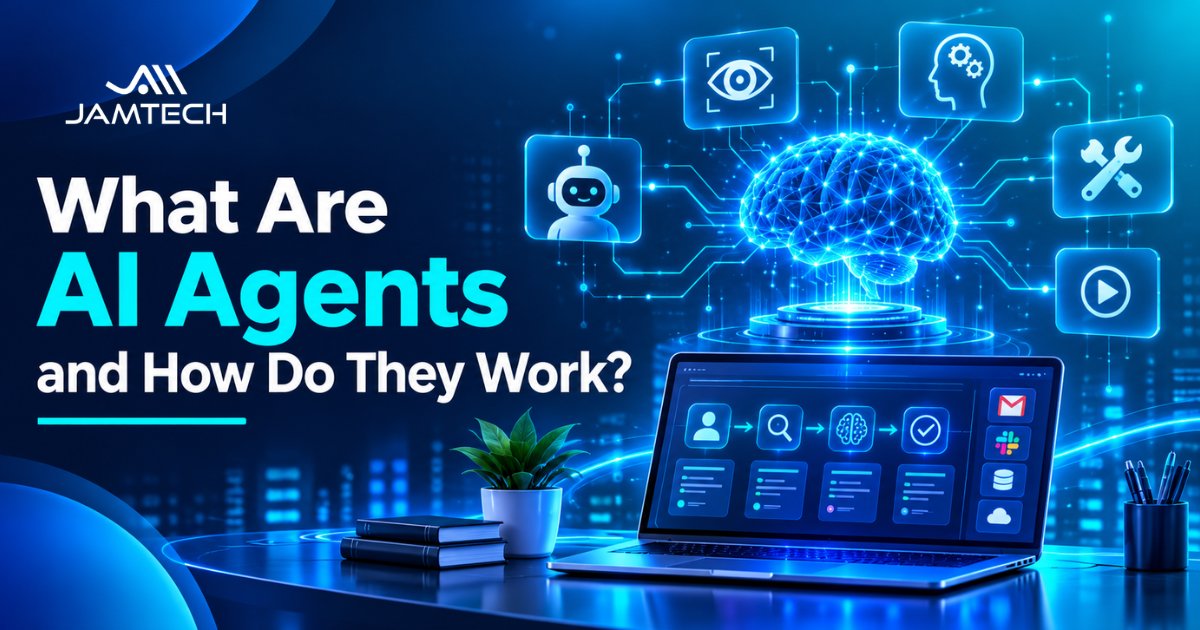
An AI agent is software that pairs a language model with tools so it can take actions, not just produce replies. It perceives a situation (an email, a query, a database row), decides what to do using the model, and then takes an action by calling an API, writing to a system, or asking a human. Many production agents also use human-in-the-loop checkpoints before any irreversible step. The agent repeats that loop until the job is done or it gives up and escalates.
What is an AI agent?
An AI agent is a program that uses a language model to decide what to do next and then uses a set of tools to actually do it. A "tool" here means anything the agent can call: a database query, a REST API, a function in your codebase, a browser session, or another agent. The model's job is reasoning and planning. The tools are what the agent moves in the world. Without tools, you have a chatbot. With tools and a loop, you have an agent.
Agents sit on top of the same base technology as search ranking, document extraction and predictive analytics systems, but the shape of what they do is different: they take actions, keep state, and run until a goal is met.
How does an AI agent work?
Most production agents follow a four-step loop, and it sits at the center of the AI development process. First, the agent perceives the input: a user message, an event, a document, or the current state of a system. Second, it plans by passing that input (plus any memory of past turns) through a language model and getting back a decision: call this tool, write this message, ask the user something, or stop. Third, it acts: it executes the tool call, logs what happened, and reads the result. Fourth, it updates state and checks whether the goal is met. If not, it goes back to step two.
Two pieces that get underestimated: memory and evals. Memory is how the agent remembers what it already did, what the user said earlier, and what tools returned. Short-term memory lives in the context window; long-term memory sits in a vector database or structured store. Evals are the tests that prove the agent still does the right thing when you change a prompt, a tool or a model version. Without them, every change is a guess.
In our own voice-agent product, BYOKCall, the agent routes a call based on what the caller is asking for, pulls customer context from the connected CRM, decides whether a human has to approve the next step, and hands off cleanly if confidence is below a threshold. That handoff path is where many agent builds fail: either the agent never escalates and silently makes the wrong decision, or it escalates everything and the agent adds nothing.
What is the difference between an AI agent and a chatbot?
A chatbot replies. An agent acts. If you type “book me a flight to Dubai next Tuesday” into a chatbot, it writes you back a nicely worded suggestion, which is why many teams start by learning how to build an AI chatbot before moving to agents. If you type the same into an agent, it checks your calendar, queries a flight API, picks an option against your constraints, shows you a summary and either books it or asks you to confirm. The chatbot ends at a message. The agent ends at a booking.
For a deeper buyer-side read on this split, our write-up on agents versus chatbots goes through where each one actually wins.
Dimension | Chatbot | AI agent |
|---|---|---|
Output | A reply | An action (API call, write, booking, handoff) |
Memory | Usually last few messages | Short term plus long term, often a vector store |
Tools | None, or a knowledge base | Multiple (APIs, DBs, functions, other agents) |
State | Stateless or shallow | Keeps goal, progress, retries |
Failure mode | Wrong answer | Wrong action, which can be worse |
Build cost | Low | Medium to high, depending on scope |
Right fit | FAQ, triage, lead qualification | Multi-step workflows with real stakes |
What business problems do AI agents actually solve?
AI agents work best when a job has clear inputs, a measurable goal, and a bounded set of actions. In 2027, these are the agent builds we see shipping and sticking in production: customer support triage that reads a ticket, pulls account history, drafts a reply and routes to the right queue; sales research agents that enrich a lead with firmographic data and write a first-touch outreach; scheduling agents that negotiate a meeting time across calendars; data entry agents that pull invoices or forms, extract fields, and post them into an ERP; and internal copilots that read company docs and answer policy questions with citations.
Where agents still struggle: open-ended work with vague success criteria ("grow the brand"), multi-week autonomous operations without human review, and anything that depends on judgment with no feedback loop. A good first project is a workflow where today a person spends 10 to 20 minutes doing a repetitive, rule-shaped task 50 to 500 times a week.
For concrete scenarios by department and function, our list of agent use cases has 12 we've seen pay back inside a quarter.
How do you build an AI agent for your business?
An AI agent build has six parts, and the order matters: scope, data, model, tools, evals, and deployment. Scope is where most projects go wrong before anyone writes code. Pin the agent to a job that can be measured end to end: inputs, success condition, failure mode. If you can't write that in one page, you don't have scope yet.
From there, data: list the systems the agent will read from and write to, the auth each needs, and the data residency rules that apply. Model selection follows the data, not the hype. For most business tasks, a strong general model (GPT, Claude, Gemini, or a fine-tuned open model like Llama or Mistral) is enough; the gain from a bigger model is usually smaller than the gain from better retrieval and better tools.
Tools are the APIs and functions the agent will call. Keep the toolset small (five to ten functions for a focused agent). Each tool needs an input schema, an output schema, and clear error handling. Evals come next, and this is the step people skip at their peril: write a set of inputs with known-good outputs, run the agent against them before and after every change, and track pass rate over time. Deployment includes monitoring, cost tracking, and a clean rollback path.
In our MK Executive Intelligence build, we scoped the agent down to one job (retrieve, cite and summarise from an internal knowledge base) before adding anything else. Agents that stay narrow stay reliable.
Which frameworks do most AI agent developers use?
In 2027 the common choices are LangGraph (for stateful graphs), the OpenAI Agents SDK, Anthropic's Claude Agent SDK, Microsoft AutoGen (for multi-agent conversations), CrewAI (for role-based teams of agents), and framework-free setups built directly on the model APIs with a thin orchestration layer [verify before publishing on official docs].
The decision between them is less about features and more about who maintains your code. A framework gives you orchestration, memory and tool-calling patterns for free, at the cost of hiding behavior. A framework-free build keeps you closer to the metal, but you own more code. Our rule of thumb: use a framework for your first production agent, drop to framework-free once you understand which parts you're fighting.
For a longer, side-by-side read on the main options, see agent frameworks.
How much does an AI agent cost to build and run?
A focused production agent (one well-defined job, a handful of tools, one language model) costs $20,000 to $80,000 to build and 6 to 10 weeks to ship. A departmental agent that connects to three or four systems, with proper evals and monitoring, lands in the $80,000 to $200,000 range. Multi-agent enterprise systems, with shared memory, orchestration, and compliance baked in, cross $200,000 and often several hundred thousand dollars.
That's build cost. Run cost is a separate line and it surprises buyers. Inference, embeddings, vector-store hosting, logging and observability can add $500 to $20,000 a month depending on volume. Add a managed-service retainer for prompt tuning, model-version migrations and evals (another $2,000 to $15,000 a month for most mid-market deployments). The total cost of ownership over 12 months often doubles the build fee. Get both numbers before you sign.
When this is not the right choice
An AI agent is the wrong answer in three situations. First, when the workflow is already covered by a stable, deterministic script. Agents cost more to run and are harder to test than a simple cron job plus a webhook, so if your rules don't change often, keep the script. Second, when the stakes of a single wrong action are high and you don't have time to build strong evals and guardrails. A support reply agent that occasionally sends a slightly off message is fine. A finance agent that occasionally wires the wrong amount is not. Third, when your data is a mess. Agents amplify data quality problems, they don't fix them.
If your use case leans toward a conversational interface and not toward taking actions, you probably want a chatbot build instead. Our guide to building a website chatbot covers that path. If the complexity is less about building and more about vendor selection, our list of agent development companies is where to shortlist buyers who ship.
People Also Ask
Q1. What is an AI agent in simple terms?
Ans. An AI agent is a program that uses a language model to decide what to do, then uses tools (APIs, databases, functions) to actually do it. It runs in a loop until the job is finished. The agent takes real actions in your systems, not just text replies to the user.
Q2. How does an AI agent work step by step?
Ans. It perceives an input, plans using a language model, acts by calling a tool, reads the result, updates its memory, and loops. If the goal is met, it stops. If not, it tries another step. Guardrails, evals, and a human-in-the-loop checkpoint keep the loop safe.
Q3. Is an AI agent the same as a chatbot?
Ans. No. A chatbot only produces replies. An agent takes actions in your systems: it books, writes, triggers, or escalates. A chatbot's failure is a bad answer. An agent's failure can be a wrong action, which is why evals matter more for agents than for chatbots.
Q4. What can an AI agent do for a small business?
Ans. Small businesses see the fastest return on agents that handle repetitive back-office jobs: inbox triage, invoice extraction, lead qualification, meeting scheduling, and FAQ answering with knowledge-base citations. Start with one job, measure it for a month, then expand once the numbers are clean.
Q5. How long does it take to build an AI agent?
Ans. A focused production agent takes 6 to 10 weeks. A departmental agent with three or four system integrations takes 3 to 5 months. Multi-agent enterprise builds run 6 to 12 months. The biggest schedule risk is not model work, it's getting clean access to the data and systems the agent needs.
Q6. Which language models are best for AI agents?
Ans. In 2027 most production agents run on GPT-5, Claude, Gemini, or a fine-tuned open model like Llama or Mistral. The right pick depends on cost per 1k tokens, latency, context window, tool-calling reliability, and data residency rules. Benchmark two or three models against your own eval set before committing.
Q7. Do AI agents need the internet to work?
Ans. Most do, because they call hosted model APIs and third-party tools. Fully on-prem agents are possible with self-hosted open models and local tools, but the cost and complexity are much higher. For regulated industries, hybrid setups (local tools, hosted model via a private endpoint) are common.
Q8. How do you measure if an AI agent is working?
Ans. Track task completion rate, tool call success rate, user override rate, escalation rate to humans, cost per completed task, and user satisfaction. Keep a frozen eval set of 50 to 200 real past inputs and run it before and after every change to catch regressions.
Q9. Can AI agents replace employees?
Ans. In 2027, agents handle slices of jobs well, not whole roles. The honest framing: an agent lets a person who used to handle 50 tickets a day handle 200, with the agent doing the first draft and the person owning the exceptions. Full job replacement for knowledge work is still rare in production.
Q10. What are the biggest risks of using an AI agent?
Ans. The three biggest risks are agents taking wrong actions in high-stakes systems (fix with evals and human approval), prompt injection from untrusted inputs (fix with input sanitization and tool-level permissions), and runaway costs when the agent loops too long (fix with step budgets and cost ceilings per task).
Q11. How much does an AI agent cost per month to run?
Ans. For a focused agent with modest volume (a few thousand tasks a month), run cost is usually $500 to $3,000 a month including inference, embeddings, vector storage, and monitoring. High-volume consumer-facing agents can run $10,000 to $50,000 a month or more. Caching, batching, and model selection are the main cost levers.
Q12. Do I need to fine-tune a model to build an AI agent?
Ans. Usually no. Most business agents work with a strong general model, good retrieval, and well-written tools. Fine-tuning helps when you need a very specific tone, a reliable structured output format at scale, or lower cost for a repetitive task. Try prompt engineering and RAG first.
Q13. Is my data safe when an AI agent processes it?
Ans. Yes, with the right setup. Use enterprise plans from model providers (which don't train on your data by default), sign a data processing agreement, keep sensitive data out of logs, and use private endpoints or self-hosted models for regulated data. Never allow production customer data to flow into a training pipeline without written consent.
Ready to grow your business with Jamtech?
Talk to our experts about your next digital project.