



ReplyMind AI
AI auto-reply for messaging apps — smart personas, BYOK, and privacy-first automation.
Overview
Reply instantly with smart, human-like AI responses while you're busy, driving, working, sleeping, or away. Stay responsive with intelligent replies powered by leading AI models so you never miss an important conversation.
Whether you run a business, freelance, manage customer support, create content, or simply want to save time, ReplyMind adapts to your communication style. Add your business details, preferred tone, and custom instructions so every reply sounds like you—not like a generic bot.
What you get
-
Works across messaging apps
Manage automatic replies across messaging and social apps from one place, with per-app controls.
-
Choose your AI / BYOK
Use leading AI providers, connect your own API key for unlimited usage, or start with included AI credits.
-
AI personas
Create Business, Support, Personal, Creator, or custom personas with tone, schedule, and signature phrases.
-
Smart automation
Business hours, allow/block lists, reply limits, loop detection, and group conversation controls.
-
Priority notification center
Surface conversations that need your attention so you can reply personally when it matters.
-
Privacy first
Only the data required for a reply is processed by your AI provider. History and settings stay on-device.
What is ReplyMind AI?
ReplyMind AI is Jamtech’s AI auto-reply app for messaging — built for people who cannot answer every chat in real time but still need to stay responsive. It sends smart, human-like replies while you are busy, driving, working, sleeping, or away, using leading AI models (including bring-your-own-key options) with privacy-first controls.
Instead of a single blunt auto-reply, ReplyMind uses personas — Business, Support, Personal, Creator, or custom — so tone, schedule, and signature phrases match the conversation. Per-app controls, allow/block lists, reply limits, and loop detection keep automation from spiraling in groups or with the wrong contacts.
When a thread needs you, the priority notification center surfaces it so you can jump in personally. History and settings stay on-device; only the data required for a reply is sent to your chosen AI provider.
What you can control
ReplyMind is organized around the levers that keep auto-reply helpful — not noisy.
-
Messaging apps
Manage automatic replies across messaging and social apps from one place, with per-app on/off controls.
-
AI providers / BYOK
Use leading AI providers, connect your own API key for unlimited usage, or start with included AI credits.
-
Personas
Create Business, Support, Personal, Creator, or custom personas with tone, schedule, and signature phrases.
-
Smart automation
Business hours, allow/block lists, reply limits, loop detection, and group conversation controls.
-
Priority inbox
Surface conversations that need your attention so you can reply personally when it matters.
-
Privacy first
Only the data required for a reply is processed by your AI provider. History and settings stay on-device.
Key features
Designed for real messaging chaos — multiple apps, mixed contacts, and moments when you cannot be present.
-
Works across messaging apps
Manage automatic replies across messaging and social apps from one place, with per-app controls.
-
Choose your AI / BYOK
Use leading AI providers, connect your own API key for unlimited usage, or start with included AI credits.
-
AI personas
Business, Support, Personal, Creator, or custom personas with tone, schedule, and signature phrases.
-
Smart automation
Business hours, allow/block lists, reply limits, loop detection, and group controls.
-
Priority notification center
Surface conversations that need you so nothing important is lost in automation.
-
Privacy first
Minimal data to the AI provider; history and settings stay on-device.
Who it’s for
ReplyMind fits people and small teams who live in messaging apps but cannot answer every ping instantly.
-
Founders and operators
Stay responsive to customers and partners while you are in meetings or offline.
-
Support and sales individuals
Cover after-hours chats without a full contact-center stack.
-
Creators and freelancers
Keep a consistent voice with fans and clients using a Creator or Personal persona.
-
Privacy-conscious users
Prefer on-device history and BYOK control over sending everything to a black-box bot.
How it works
Set up once, then let personas and rules handle the noise — with you jumping in when priority chats appear.
-
1. Connect apps
Enable the messaging apps where you want auto-replies and set per-app preferences.
-
2. Pick AI + persona
Choose a provider or BYOK key, then configure tone, hours, and signature phrases.
-
3. Add guardrails
Allow/block lists, reply limits, loop detection, and group rules keep automation safe.
-
4. Act on priorities
Use the priority center to reply personally when a conversation needs you.
ReplyMind AI vs basic auto-reply
Default messenger auto-replies are blunt. ReplyMind adds personas, multi-app control, and privacy-aware AI.
| Capability | ReplyMind AI | Basic auto-reply / away message |
|---|---|---|
| Tone | Personas tailored to business, support, personal, or creator contexts | One static message for everyone |
| Apps | Per-app controls across messaging apps | Usually one app at a time |
| AI | Leading models + optional BYOK | No AI — fixed text only |
| Safety | Limits, loop detection, allow/block lists | Easy to spam groups or the wrong people |
| Privacy | On-device history; minimal data to providers | Whatever the messenger stores by default |
| Human return | Priority center highlights chats that need you | You dig through everything later |
Use cases
Where ReplyMind AI earns its keep day to day.
-
Driving or deep work
Keep polite, contextual replies going while you cannot type — then catch priority threads when you stop.
-
After-hours customer chats
A Support or Business persona acknowledges requests, gathers basics, and sets expectations until you return.
-
Creator community chatter
Stay warm with fans using a Creator persona without living in DMs all day.
Integrations
ReplyMind connects to the messaging apps and AI providers you already use.
-
Messaging & social apps
Per-app toggles so automation only runs where you want it.
-
AI providers / BYOK
Leading models out of the box, or your own API key for unlimited usage.
-
Jamtech products
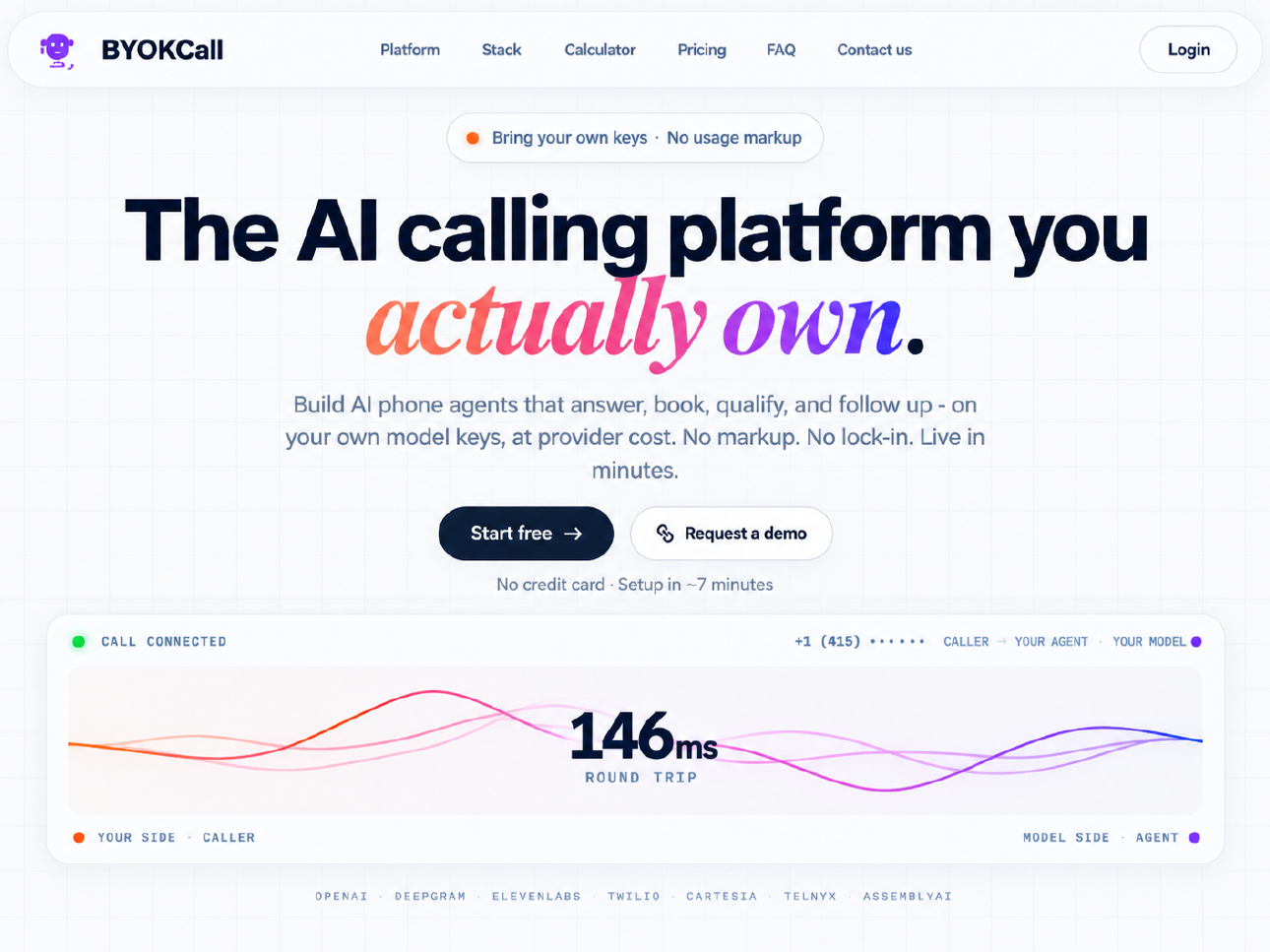
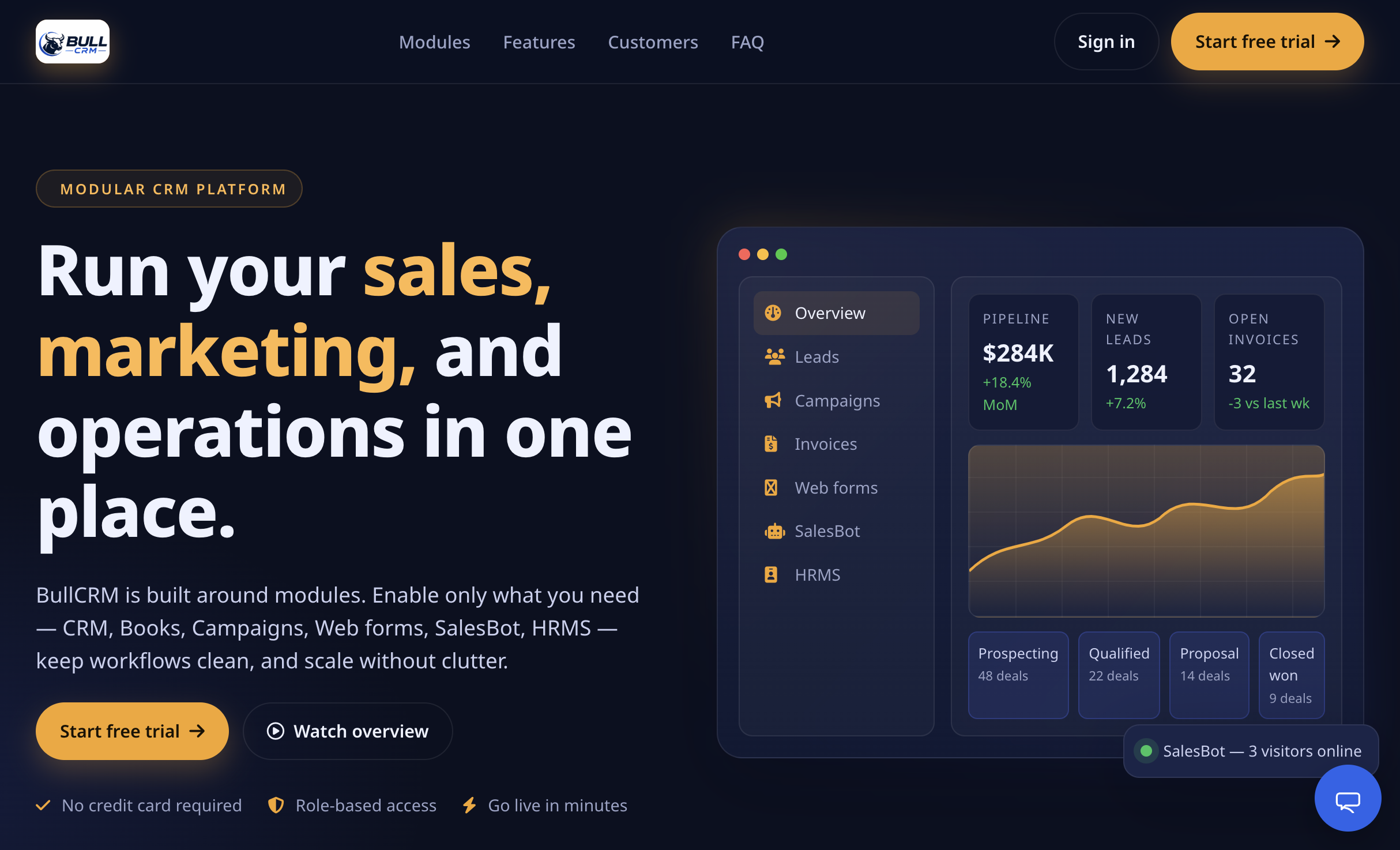
Complement voice (BYOKCall) and CRM (BullCRM) when your workflow spans channels.
Security and support
ReplyMind is built privacy-first: conversation history and settings stay on-device, and only the minimum text needed for a reply is sent to your selected AI provider. Combine that with allow/block lists and reply limits so automation stays intentional.
Jamtech provides product guidance, onboarding help, and a clear path to Talk to us when you need something beyond the app — including pairing ReplyMind with BYOKCall or BullCRM for multi-channel coverage.
-
On-device history
Keep chats and settings local whenever possible.
-
Minimal provider data
Only send what is required to generate a reply.
-
Guardrails
Limits, loops, and lists reduce accidental spam.
Frequently asked questions
Try ReplyMind AI
Download or start a trial on Google Play, book a walkthrough with Jamtech, or Talk to us about fitting ReplyMind into your messaging workflow.
More products
Talk to the Engineers Who'll Actually Build Your Product
Get a free 30-minute consultation with our senior team, no sales reps, no scripts. Walk away with a clear scope, realistic timeline, and fixed-price estimate for your project.