

How to Choose the Best CMS Platform For Your Website?
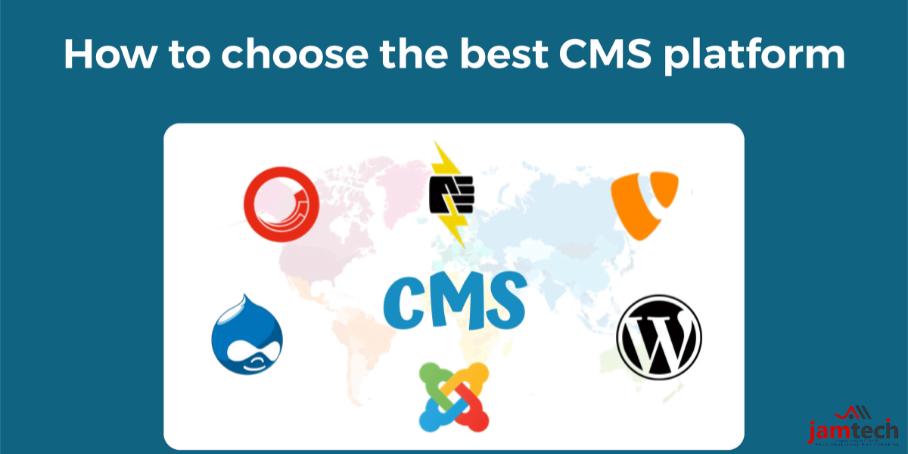
Choosing the right Content Management System (CMS) is crucial for the success of your website. With numerous options available, each offering unique features and capabilities, selecting the best CMS platform can seem daunting. However, by considering key factors and understanding your specific needs, you can make an informed decision that aligns with your goals. Here's a comprehensive guide to help you navigate the process.
Define Your Website's Objectives and Requirements
Start by clearly defining what you need from your Content Management System (CMS). Consider factors such as:
Website Type
Is it a blog, e-commerce site, portfolio, or business website?
Technical Expertise
How comfortable are you with technical aspects like coding and server management?
Scalability
Do you anticipate significant growth in content or traffic?
Budget
What is your budget for initial setup and ongoing maintenance?
Integration Needs
Are there specific third-party tools or services you need to integrate with your website?
Understanding these requirements will guide you towards CMS platforms that best fit your needs.
Ease of Use and User Interface
The user-friendliness of a CMS is crucial, especially if you or your team will be regularly updating content. Look for platforms with intuitive interfaces, drag-and-drop functionality, and WYSIWYG (What You See Is What You Get) editors. A user-friendly CMS reduces training time and empowers non-technical users to manage content effectively.
Scalability and Flexibility
Flexibility and customization capabilities are essential for tailoring your website to meet specific design and functionality requirements. Evaluate whether the CMS supports themes and templates that align with your brand's aesthetics. Additionally, check if it allows customization through plugins, extensions, or APIs to add features and extend functionality as your needs evolve.
SEO Friendliness
Search Engine Optimization (SEO) is critical for driving organic traffic to your website. Importance of SEO in web development is such, that to choose a CMS that supports best practices such as customizable URLs, meta tags, header tags, image optimization, and XML sitemaps. Some CMS platforms offer built-in SEO tools or plugins to simplify optimization tasks.
Security Features and Updates
Security should be a top priority when selecting a CMS. Look for platforms that provide robust security features, such as regular updates, secure authentication methods, SSL/TLS support, and protection against vulnerabilities. Consider the reputation of the CMS for addressing security issues promptly.
Community Support and Documentation
A strong support system and active community can be invaluable when encountering issues or seeking advice. Check if the CMS offers comprehensive documentation, tutorials, forums, and customer support options. Additionally, evaluate the size and engagement of the user community to gauge the availability of resources and community-driven solutions.
Cost Considerations
Consider the cost implications of the CMS, including initial setup fees, ongoing maintenance costs, and expenses related to plugins or themes. Some CMS platforms are open-source and free to use, while others may require licensing fees or subscription plans based on features and usage. Factor in your budget constraints and long-term financial sustainability.
Mobile Responsiveness and Cross-Device Compatibility
In an increasingly mobile-centric world, ensure that the CMS supports responsive design principles. Seamless adaptation to different screen sizes and devices, providing a consistent user experience across desktops, tablets, and smartphones are also advantages of E-Commerce Website Development Company.
Conclusion
Choosing the best CMS platform involves thorough research and consideration of your specific needs, preferences, and long-term goals. By evaluating factors such as ease of use, customization options, SEO capabilities, security features, and support, you can identify a CMS that empowers you to create and manage a successful website.
Remember, the right CMS not only supports your current requirements but also accommodates future growth and enhances overall user experience.
Ready to grow your business with Jamtech?
Talk to our experts about your next digital project.